General Settings
Configure the terminology fellos uses for your organization — what you call your top-level group and how members' display names are labeled.
The General Settings page lives under ORGANIZATION → General in the admin sidebar. It's deliberately small: it only controls platform-wide terminology. Your organization name and short name live on the Branding page; integrations like Push Notifications and OAuth Providers live under their own pages.
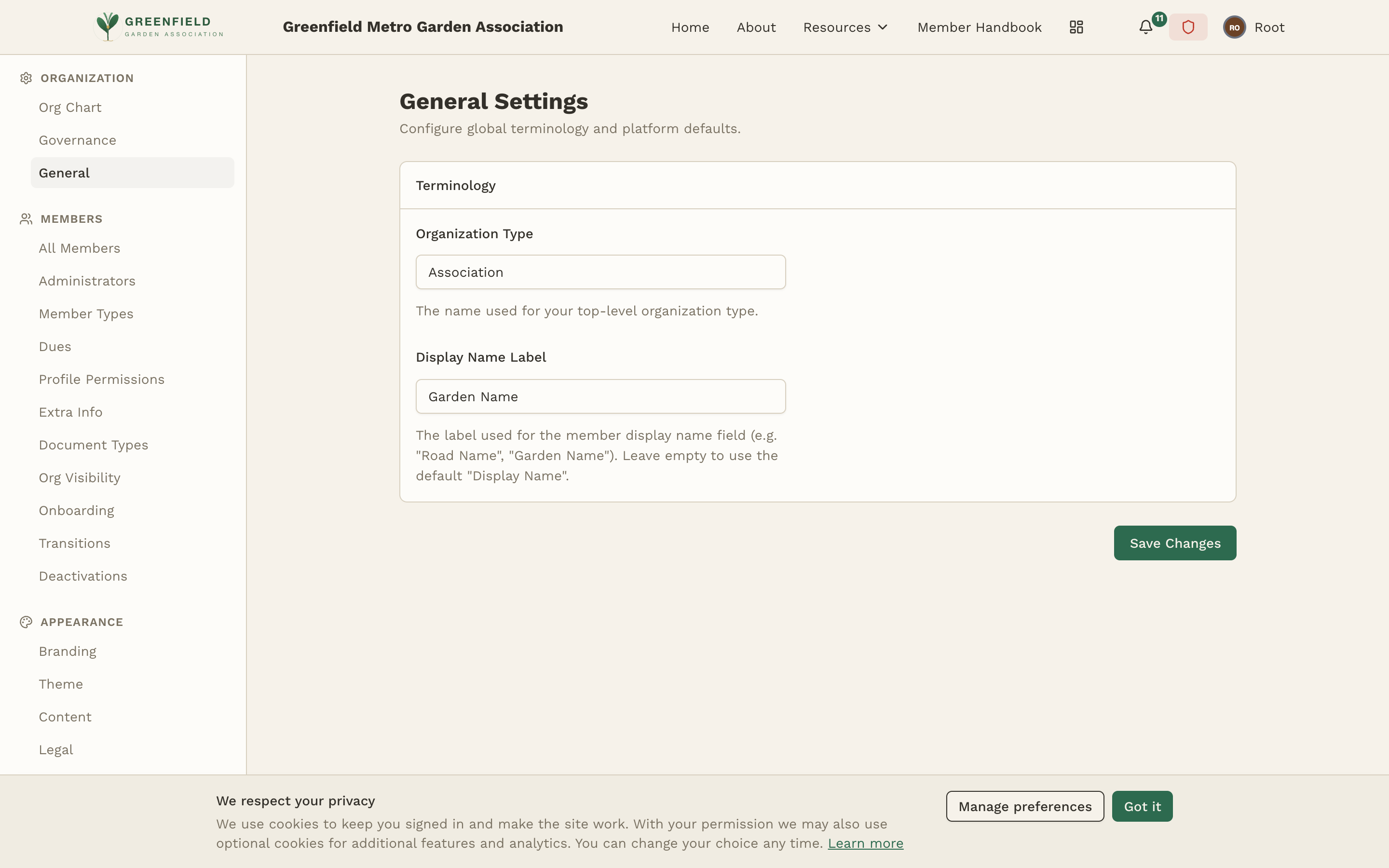
Terminology
This single section has two fields. Both are about how fellos labels things in the UI for your kind of organization — they're cosmetic, but they make the platform feel native to your members.
Organization Type
The name fellos uses for your top-level organization type. Examples: "Club", "Association", "Lodge", "Post", "Garden". This shows up in admin labels and onboarding copy where the platform refers to your top-level group.
- Type your organization type into the Organization Type field (placeholder: "e.g. Club or Association").
- Click Save Changes at the bottom of the page.
Display Name Label
The label fellos uses for the member display name field on profiles and forms. The default is just "Display Name" — but many organizations use something more flavorful. Examples:
- Road Name — for motorcycle clubs
- Garden Name — for gardening associations
- Call Sign — for amateur radio clubs
- Handle — for general-interest groups
- Type the label you want into the Display Name Label field. Leave it empty to use the default "Display Name".
- Click Save Changes.
The Organization Type appears wherever the admin UI refers to your top-level group. The Display Name Label appears as the field label on member profiles, signup forms, and member directory cards.
Saving Changes
Click the Save Changes button at the bottom of the page to apply. Changes take effect immediately — there's no need to restart anything or wait for a cache to clear.
All changes to General Settings are recorded in the Audit Log, including the previous and new values. This makes it easy to track who changed what and when.