Contact Page
Configure your public contact page — who receives submissions, the contact information shown, and the form fields visitors fill in.
The Contact page settings (Admin → APPEARANCE → Contact) control your organization's public contact page: who receives submissions, the contact details shown to visitors, and the fields on the contact form.
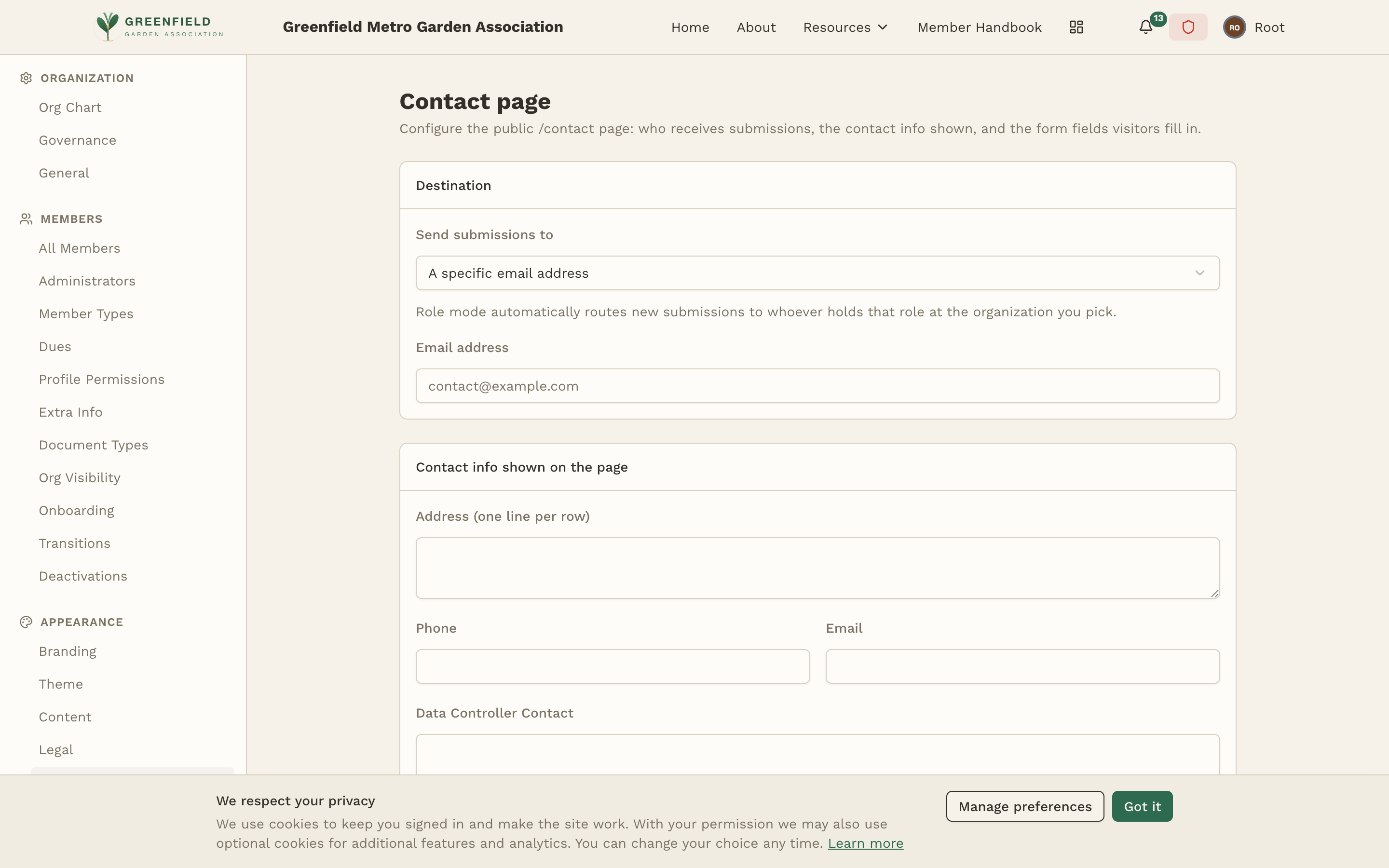
Destination
Under Send submissions to you choose where new submissions go:
- A specific email address — submissions are emailed to the address you enter (placeholder contact@example.com).
- Role mode — automatically routes new submissions to whoever holds a chosen role at the organization you pick.
Contact Info Shown on the Page
Fill in the contact details visitors see: Address (one line per row), Phone, and Email.
GDPR Contacts
- Data Controller Contact
- Required under GDPR Article 13 for EU/UK visitors.
- EU / UK Representative (optional)
- Only required if you process the personal data of EU/UK visitors and are not established there.
Form Fields
Build the contact form itself. Each field has a Label, a Type (such as Short text, Email, or Long text), and a Required toggle. Use Add field to append a new one. Click Save to publish your changes.
Submissions collect under Recent submissions at the bottom of the page; before anyone writes in it reads "No submissions yet."