Comptroller Guide
For the people who handle money — running the store and paid event ticketing.
A Comptroller is a member who has been given the authority to handle money-related parts of fellos. This is a narrow, focused role: it covers the store and paid event ticketing, and nothing else. A Comptroller is not an admin — they can't approve new members, edit profiles, moderate groups, or change how the site is set up. Those are someone else's jobs. Comptrollers just make sure sales go smoothly and the books stay straight.
What a Comptroller Does
🛒 Run the Store
Add products, set prices, manage stock, and keep the storefront looking good.
📦 Fulfill Orders
Mark orders as shipped, add tracking numbers, handle backorders, and keep customers informed.
🎟️ Sell Event Tickets
Turn a regular event into a paid one — set prices, manage capacity, offer extra ticket types.
📱 Check People In
Scan ticket QR codes at the door on event day. See live attendance counts.
💰 Handle the Money Side
Classify sales with financial categories for bookkeeping and export order history for your records.
🚚 Configure Shipping
Set up shipping rates, delivery countries, and default shipping for the storefront.
What a Comptroller Does Not Do
It's worth saying this up front, because it's a common source of confusion: being a Comptroller does not give you any other admin powers. Specifically:
- You cannot approve or deny new member applications.
- You cannot edit other members' profiles or contact info.
- You cannot moderate discussion groups or events.
- You cannot change site settings, branding, or permissions.
- You cannot change who is an officer or who holds which role.
Those responsibilities belong to your organization's Org Admins, Club Admins, and Site Admin. If you also happen to hold one of those roles, you'll have those powers separately — but they don't come bundled with the Comptroller designation.
Comptroller is assigned by a Site Admin from the Org Chart screen. If you need the role, talk to whoever runs your fellos site.
Finding the Comptroller Screens
As a Comptroller you'll mostly live on two screens:
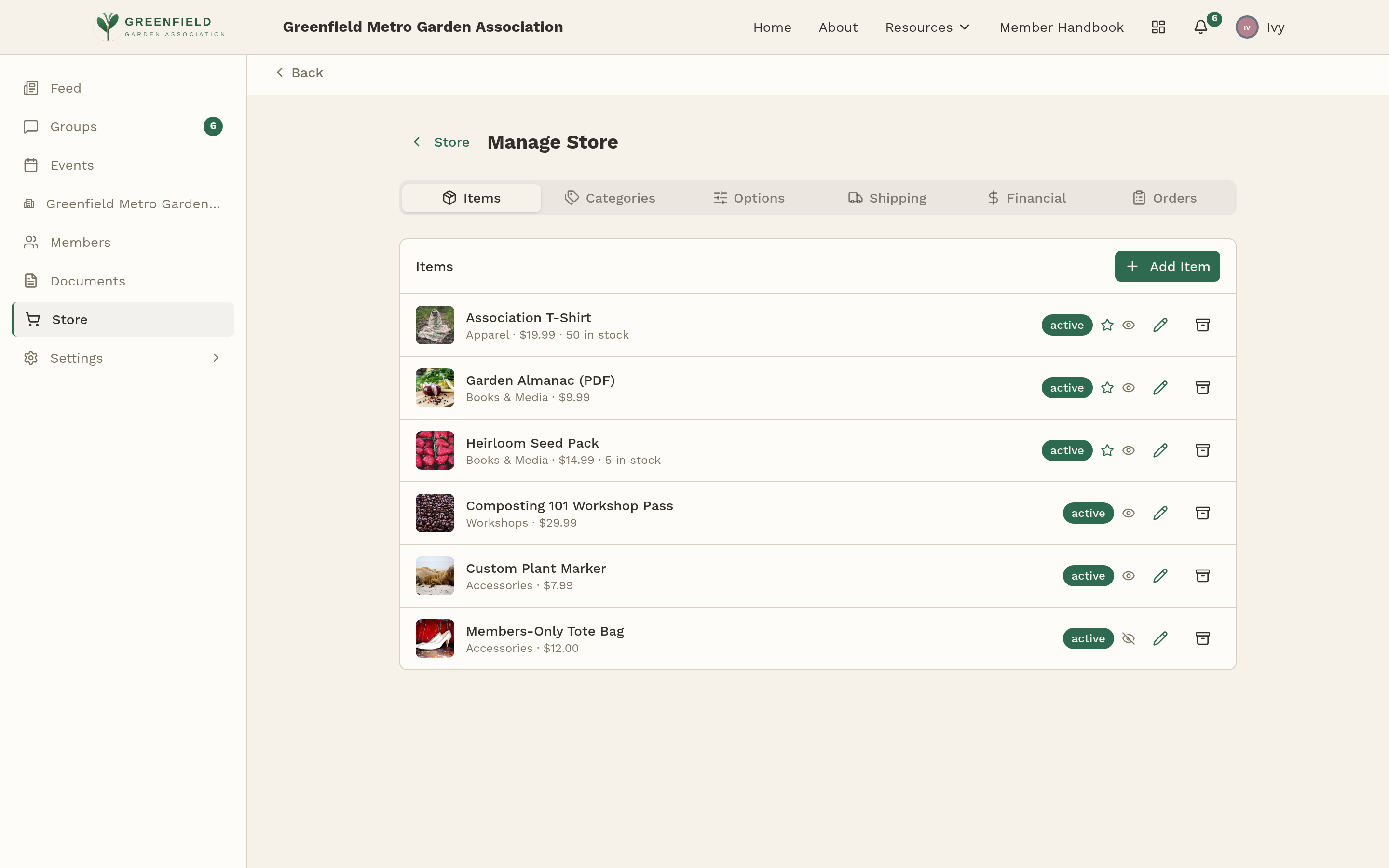
- Store Manage — open Store in the sidebar, then click Manage Store in the top right. You'll see tabs for Dashboard, Items, Categories, Options, Shipping, Financial, and Orders.
- Paid events — open Events, pick a specific event, and open the Manage tab. You'll see it even though regular members don't.
What This Guide Covers
This guide walks you through everything a Comptroller needs:
- Store Overview — how the store works, who sees what, and how the Comptroller side differs from the member side.
- Adding & Editing Items — step-by-step guide to creating and editing products.
- Options & Categories — make reusable option templates (sizes, colors) and organize items into categories.
- Shipping Rates — define shipping methods and prices.
- Processing Orders — work through orders from Pending to Delivered, including backorders and split shipments.
- Selling Event Tickets — turn an event into a paid event with tiered pricing.
- Scanner & Check-in — scan tickets at the door and track live attendance.
- Payouts & Reconciliation — financial categories, order exports, and money tracking.
If you're new to the role, work through the Store pages in order first — that's where most of the day-to-day Comptroller work happens. Save the event ticketing pages for when your organization is actually running a paid event.