Email Bounces
See which members’ email addresses are rejecting mail. Automated email to a bounced address is suppressed until you clear it.
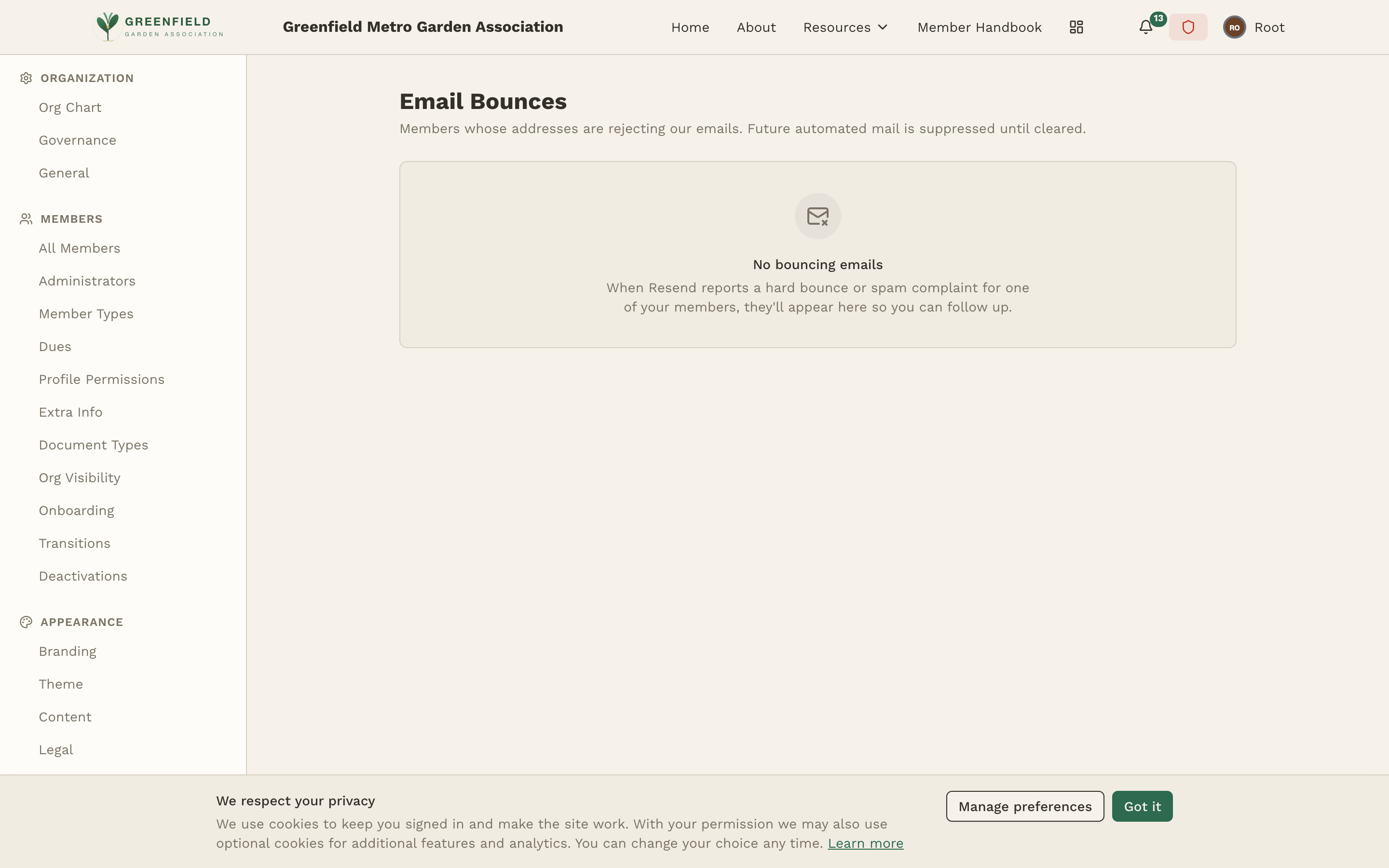
The Email Bounces page (Admin → INTEGRATIONS → Email Bounces) lists members whose addresses are rejecting your organization's email. Future automated mail to a listed member is suppressed until the bounce is cleared, which protects your sending reputation.
How It Works
When Resend (the service fellos uses to send mail) reports a hard bounce or a spam complaint for one of your members, that member appears here so you can follow up — confirm the address, reach them another way, or update their email. Until a listed member's situation is resolved, fellos stops sending them automated email so repeated failures don't hurt deliverability for everyone else.
When there are no problem addresses the page reads "No bouncing emails."